
ع
Buying an Xbox Gift Card is one of the easiest ways to add credit to your Microsoft account and purchase games, subscriptions, or in-game content. However, many users encounter redemption errors simply because the gift card region doesn't match their Xbox account region.
Fortunately, checking your Xbox account region only takes a few minutes. This guide explains exactly how to find your account region before purchasing a gift card and avoid common region-related issues.
Why Your Xbox Account Region Matters
Xbox Gift Cards are region-locked.
That means a gift card purchased for one country usually cannot be redeemed on an account registered in another country.
For example:
- A US Xbox Gift Card works only with a US Microsoft account.
- A UK Gift Card requires a UK account.
- Turkish or Brazilian Gift Cards require accounts registered in those regions.
If the regions don't match, you may receive errors such as:
- This code can't be redeemed.
- The code was purchased in a different region.
- Region mismatch error.
Checking your account region before buying a gift card helps prevent these problems.
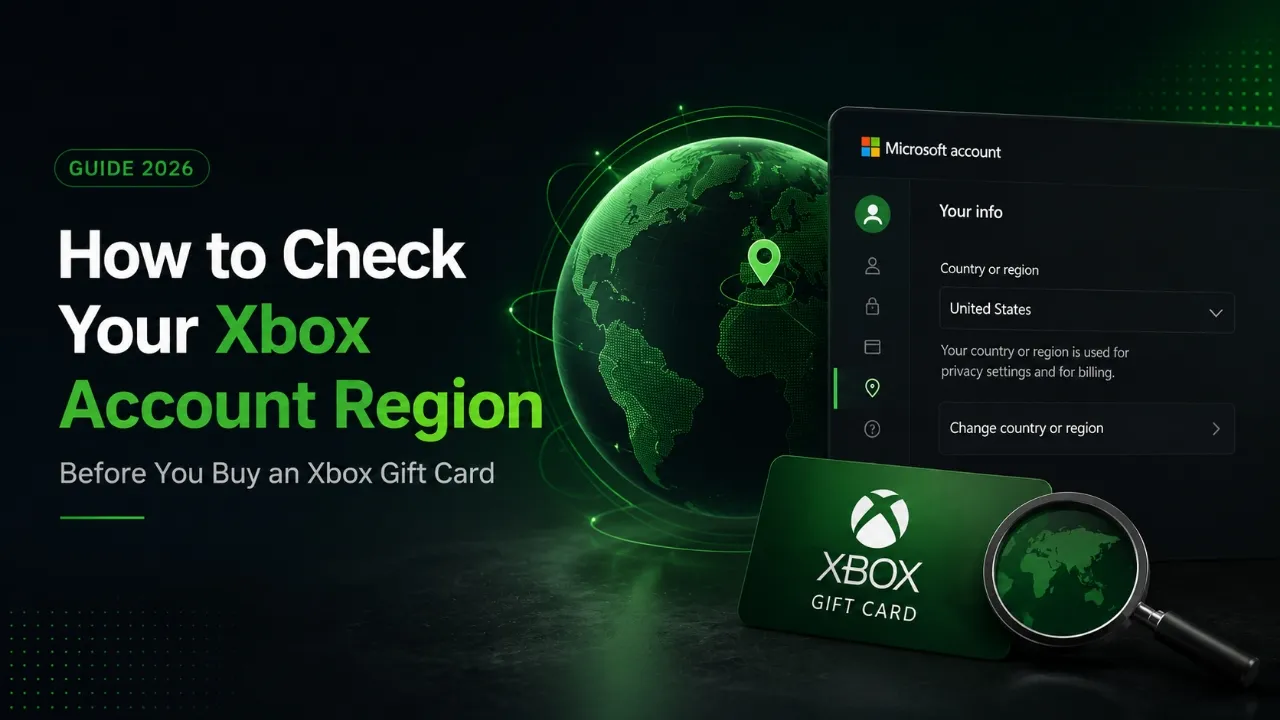
Method 1: Check Your Microsoft Account Region
The easiest way is through your Microsoft account.
Steps
- Sign in to your Microsoft account.
- Open your profile settings.
- Navigate to Your Info or Country/Region.
- Check the country associated with your account.
This country is usually the region that determines whether your Xbox Gift Card can be redeemed.
Method 2: Check Your Xbox Console Region
If you have an Xbox console:
- Open Settings.
- Select System.
- Choose Language & Location.
- Check the Location field.
Although this setting can be changed, it doesn't always determine your Microsoft account region, so it's best to verify both.
Method 3: Check Microsoft Store Region
You can also verify the region from the Microsoft Store.
After signing in, the store will typically display prices in the local currency of your account, such as:
- USD
- GBP
- EUR
- TRY
- BRL
The displayed currency often indicates which regional store your account is using.
What Happens If You Buy the Wrong Region Gift Card?
If your gift card region doesn't match your account, you may be unable to redeem it.
Possible consequences include:
- Redemption errors
- Failed purchases
- Needing to contact the seller
- Purchasing another gift card with the correct region
Checking your region beforehand helps avoid unnecessary costs and delays.
Can You Change Your Xbox Account Region?
Yes, but there are limitations.
Microsoft allows users to change certain regional settings, but changing your account region may affect:
- Store availability
- Payment methods
- Existing balance
- Active subscriptions
- Purchase availability
If you already have subscriptions or account credit, changing regions may not be the best option.
Tips Before Buying an Xbox Gift Card
Before completing your purchase:
- Verify your Microsoft account region.
- Purchase a gift card that matches your account.
- Buy from a trusted seller.
- Double-check the gift card region before checkout.
- Keep your activation code secure.
These simple checks can save time and prevent redemption issues.
Conclusion
Checking your Xbox account region is a simple but important step before purchasing an Xbox Gift Card.
A few minutes of verification can help you avoid region mismatch errors, unsuccessful redemptions, and unnecessary expenses. Always make sure your Microsoft account region matches the region of the gift card you intend to purchase.
Frequently Asked Questions
How do I check my Xbox account region?
Sign in to your Microsoft account and check the Country/Region section in your account settings.
Can I redeem a US Xbox Gift Card on a UK account?
No. In most cases, Xbox Gift Cards can only be redeemed on accounts registered in the same region.
Is my console location the same as my account region?
Not always. Your console location and Microsoft account region can be different, so it's recommended to verify both.
Can I change my Xbox account region anytime?
Microsoft allows region changes in certain situations, but restrictions may apply depending on subscriptions, account balance, and purchase history.
What causes an Xbox region mismatch error?
The most common reason is attempting to redeem a gift card purchased for a different country than the one associated with your Microsoft account.