A Nintendo eShop gift card is one of the easiest ways to buy Switch games, DLC, and digital content without using a credit card. But there is one detail many players miss before checkout: region.
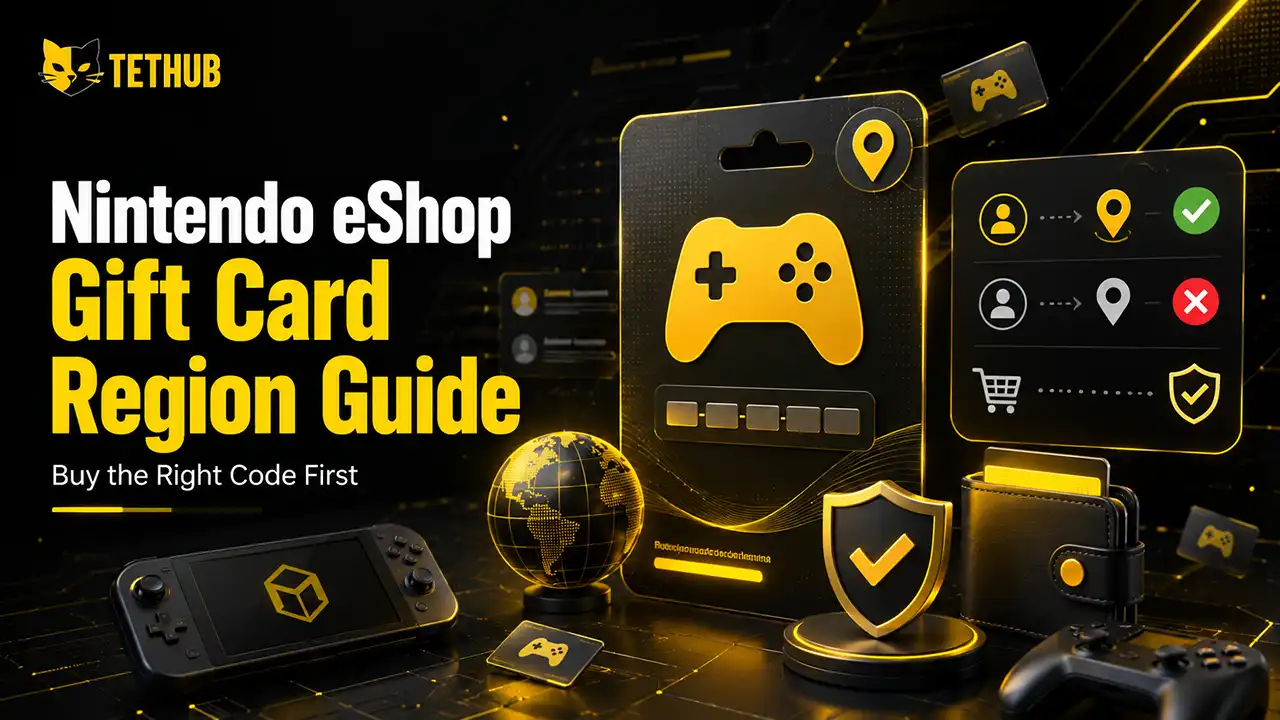
Nintendo eShop gift cards are not universal. A card made for one country or region should be redeemed on a Nintendo Account set to that same country or region. A US Nintendo eShop gift card is for a US Nintendo Account. A UK, EU, or Japan card follows its own regional rules.
That is why a Nintendo eShop gift card region mistake can turn a simple purchase into a failed code. The card may be real, unused, and correctly typed, but still not work on your account.
This guide explains how Nintendo gift card regions work, how to check your account region, why some Nintendo eShop cards fail, and how to buy the right code before you pay.
Quick Answer
Before buying a Nintendo eShop gift card, check the country or region of your Nintendo Account. The card region should match that account region.
If your Nintendo Account is set to the United States, buy a US Nintendo eShop gift card. If your account is set to another country, choose a gift card made for that region.
The safest rule is simple: match the Nintendo eShop gift card region with your Nintendo Account region before checkout.
Why Nintendo eShop Gift Card Region Matters
Nintendo Switch games are often flexible across regions, but Nintendo eShop gift cards work differently. A gift card is a payment product. It adds wallet balance to a Nintendo Account, so it depends on the eShop country or region connected to that account.
This means a card from one region may not redeem on an account from another region. For example, a US Nintendo eShop gift card adds USD balance to a compatible US account. It is not meant for a UK, EU, Japanese, or other regional account.
This is the main reason some players see a Nintendo eShop card not working even when the code itself is valid. The problem is not always the code. It can be the region.
How to Check Your Nintendo Account Region
Do not guess your Nintendo Account region based on where you live or where you bought your console. For eShop cards, the important detail is the country or region set in your Nintendo Account.
To check it, sign in to your Nintendo Account and open your account settings. Look for the country or region of residence. That setting controls which Nintendo eShop your account uses.
If your account is set to the United States, choose a US Nintendo eShop gift card. If it is set to another country, you need a card that matches that region.
This quick check should come before price, delivery speed, or payment method.
US Nintendo eShop Gift Card: Who Is It For?
A US Nintendo eShop gift card is a good option for players who use a US Nintendo Account. It can be used to add wallet balance and buy eligible Nintendo eShop content, including games, DLC, and digital items.
Many gamers use a US Nintendo Account because the US eShop has a large catalog and frequent digital deals. But the card still needs the correct account setup.
Only buy a US Nintendo eShop gift card if the account where you plan to redeem it is set to the United States. If your main Nintendo Account is set to another country, the code may fail.
Can You Change Your Nintendo Account Region?
You may be able to change your Nintendo Account country or region, but you should not do it without checking your account first.
The biggest issue is wallet balance. If you change the country of your Nintendo Account, your Nintendo eShop balance may not carry over. In some cases, you may need to use your remaining funds before changing the country setting.
That is why changing region just to redeem a gift card can create a new problem. If you already have balance on your account, subscriptions, saved payment methods, or purchase history, check everything before making changes.
Some players prefer using a separate Nintendo Account for another region instead of changing the region of their main account. This can be useful, but you still need to manage accounts carefully.
Why Is My Nintendo eShop Card Not Working?
If your Nintendo eShop card is not working, start with the region. A wrong-region code is one of the most common reasons a card fails.
Other possible reasons include:
- The code was typed incorrectly
- The card has already been redeemed
- The card was not activated properly
- The wrong account is signed in
- The Nintendo Account region does not match the card region
- The Nintendo eShop is having a temporary issue
Before contacting support or buying another code, check the account region and card region first. If they do not match, the code is unlikely to redeem on that account.
Nintendo eShop Gift Card vs Nintendo Switch Online Code
A Nintendo eShop gift card is not the same as a Nintendo Switch Online membership code.
A gift card adds wallet balance to your Nintendo Account. You can use that balance for eligible purchases on the Nintendo eShop, such as games, DLC, and digital content.
A Nintendo Switch Online code usually activates a specific subscription. It is made for online multiplayer access, cloud saves in supported games, classic game libraries, and other membership features.
Both products can have region rules, but they are not the same thing. Before buying, make sure you are choosing the product you actually need.
If you want flexible wallet credit, choose a Nintendo eShop gift card. If you only want online multiplayer or membership features, look for Nintendo Switch Online.
What About DLC and Game Regions?
Gift card region is not the only region issue Switch players should know. DLC can also be region-sensitive.
If you buy DLC from one region, it usually needs to match the region of the base game. This matters if you buy physical games from another country, use multiple Nintendo accounts, or buy digital games from different eShop regions.
For simple wallet credit, focus on the Nintendo eShop gift card region. For DLC, check the game region too.
A safe habit is to buy DLC from the same eShop region where the base game was purchased.
How to Choose the Right Nintendo eShop Gift Card
Use this checklist before you buy:
| What to check | Why it matters |
|---|---|
| Nintendo Account country or region | The card must match the account region |
| Gift card region | A wrong-region card may not redeem |
| Currency | US cards use USD; other regions use different currencies |
| Product type | Gift cards, game codes, and online memberships are different |
| Delivery method | Digital codes should be delivered clearly and securely |
| Support options | Useful if the code is delayed or you are unsure about region |
This small check can save you from buying a code that does not work.
Common Region Mistakes to Avoid
The biggest mistake is buying the cheapest Nintendo eShop gift card without checking the region. A cheaper code is not a better deal if it does not work on your account.
Another common mistake is confusing console region with account region. For eShop gift cards, the account region is the key detail.
Some players also assume every Nintendo code works the same way. That is not true. A Nintendo eShop gift card, a game code, a DLC code, and a Nintendo Switch Online code can all have different rules.
The last mistake is changing account region too quickly. If you already have wallet balance or saved payment details, changing country settings can create issues.
Buying a Nintendo Gift Card on TETHUB
On TETHUB, gamers can buy digital gift cards online and receive codes after payment confirmation. This is useful if you want a fast digital purchase without waiting for a physical card.
Before placing an order, check the product name, region, value, and delivery details. If you are buying a Nintendo Gift Card, make sure the region matches the Nintendo Account where you plan to redeem it.
If you are not sure which region to choose, check your Nintendo Account settings first. It is better to confirm the region before checkout than to buy a code that does not match your account.
You can also use the same buying habit for other gaming cards. Always check region before buying Steam Gift Cards, PSN Gift Cards, Xbox Gift Cards, or Nintendo Gift Cards.
Best Way to Avoid Wrong-Region Codes
The best way to avoid a wrong-region Nintendo eShop gift card is to slow down before checkout.
Do not choose a card only because it is cheaper. Do not assume your console region is enough. Do not buy a US card unless your Nintendo Account is set to the United States.
Check the account region. Check the card region. Check the product type. Then buy.
This is especially important if you are buying the card as a gift. Ask the other person what country their Nintendo Account is set to before you choose the code.
Final Thoughts
A Nintendo eShop gift card is a great option for Switch players who want wallet credit for games, DLC, and digital content. But the region must be right.
The card region should match the country or region of the Nintendo Account where it will be redeemed. If the regions do not match, the code may fail even if it is valid.
Before buying, check your Nintendo Account region, choose the matching Nintendo Gift Card, confirm the product type, and keep your order details safe.
If you want to buy Nintendo Gift Cards online, TETHUB can help you get a digital code after payment confirmation. Just make sure you choose the right region before checkout.
FAQ
Are Nintendo eShop gift cards region locked?
Yes. Nintendo eShop gift cards are region-specific and should be used with a Nintendo Account set to the matching country or region.
Can I use a US Nintendo eShop gift card on a UK account?
No. A US Nintendo eShop gift card is made for a US Nintendo Account. A UK account needs a compatible UK-region card.
Why is my Nintendo eShop card not working?
The most common reasons are wrong region, incorrect code entry, an already redeemed code, or a card that was not activated properly.
Can I change my Nintendo Account region to redeem a gift card?
You may be able to change your account region, but be careful. Your eShop balance may not carry over when you change country.
Is a Nintendo eShop gift card the same as Nintendo Switch Online?
No. A gift card adds wallet balance. Nintendo Switch Online is a subscription for online play and membership features.
Where can I buy a Nintendo eShop gift card online?
You can buy Nintendo Gift Cards online through TETHUB and receive a digital code after payment confirmation. Always check the region before buying.